Integration: Google Tag Manager
GetCookies for Google Tag Manager
The GetCookies tag template for Google Tag Manager sets Google Consent Mode v2 defaults before any other tag fires, restores a returning visitor's choice, loads the GetCookies banner and updates consent in GTM when the visitor decides. Your GA4, Google Ads and Meta tags then fire only for the consent types you require on them. The template is a free download; the dashboard's Google Tag Manager settings are on Pro and above.
What the template does
Consent Mode v2 defaults
Sets
ad_storage,analytics_storage,ad_user_data,ad_personalization,functionality_storageandpersonalization_storageto denied by default (configurable), withsecurity_storagegranted.Returning visitors
Reads the visitor's saved choice and applies it straight away, so tags do not wait for the banner.
Loads the banner
Injects the GetCookies loader with your domain ID.
Updates consent
When the visitor accepts, rejects or customizes, the template updates Google's consent state, and the banner pushes a
getcookies_consent_updateevent to the dataLayer for your own triggers.Ads options
Wait-for-update (500 ms by default), ads data redaction and URL passthrough can be set in the tag.
Who it is for
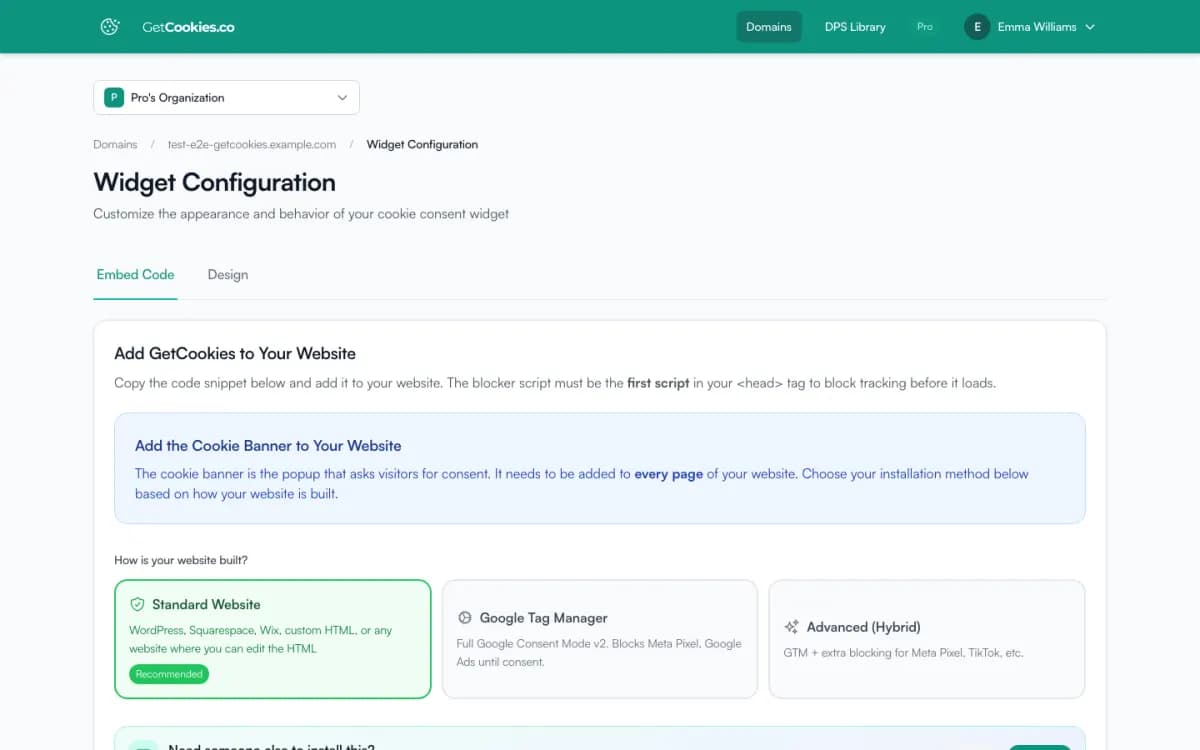
Teams that already run their tags through Google Tag Manager and want consent handled where the tags live. If your site has no GTM container, the plain script install is simpler: one script in the page head, with Consent Mode v2 signals on every plan.
Set it up
1. Download the template from your GetCookies dashboard, or from https://api.getcookies.co/api/v1/gtm-template/download.
2. In GTM, go to Templates, Tag Templates, New, then Import and save.
3. Create a tag from the GetCookies CMP template and enter your domain ID.
4. Trigger it on Consent Initialization - All Pages, not All Pages.
5. On each tracking tag, open Consent Settings and require the matching consent types, for example analytics_storage for GA4 and ad_storage, ad_user_data and ad_personalization for Google Ads and Meta.
6. Test in GTM Preview, then publish. Details: GTM installation guide and GTM advanced setup.
Limits
Updates are manual
An imported template file does not update itself; import the newer file from the dashboard to update it.
Tags outside GTM
Scripts hard-coded in the page are not controlled by GTM. Use the banner's own blocking or
data-cookieconsentattributes for them, or the Advanced (Hybrid) install.Tag consent settings are yours
Non-Google tags such as Meta only wait if you add consent requirements to them in GTM.
No TCF strings yet
GetCookies is not yet a registered IAB Europe CMP, so the template does not provide TC strings to ad tags.
Troubleshooting
Tags fire before consent
Check the GetCookies tag uses the Consent Initialization trigger and that each tracking tag has consent requirements. GTM Preview shows the consent state per event.
Consent does not update
Keep Enable Google Consent Mode v2 ticked in the tag and look for GetCookies messages in the browser console.
Banner shows twice
Remove the head script if GTM loads GetCookies, unless you chose the Hybrid install on purpose.
Frequently asked questions
Do I need GTM to use Google Consent Mode v2 with GetCookies?
No. The plain script install sends Consent Mode v2 defaults and updates on every plan. GTM is useful if your tags already live there.
Which trigger should the GetCookies tag use?
Consent Initialization - All Pages, so consent defaults are set before any other tag fires.
Does the template block Meta Pixel?
Only if the Meta tag in GTM requires consent (for example ad_storage). The template sets and updates consent; GTM decides which tags wait.
Is the template free?
The template file is a free download. GetCookies' Google Tag Manager settings in the dashboard are on Pro and above; see pricing.
Try GetCookies on your own site
Start on the Free plan: one domain, a cookie scan and a consent banner, no credit card required. Upgrade only when you need more.
Start free